We Tested 10 Gaming Laptops in India. These 4 Won Their Price Range.
In 2026, Indian gamers face a new challenge: there are simply too many good gaming laptops to choose from. Each month brings a new laptop with better specs for the same price. Now, even budget models offer RTX 50-series GPUs. You can get 2.5K displays for around Rs. 1.5 lakh, and under Rs. 70,000, you’ll find laptops with dedicated GPUs and 144Hz screens. We wanted to make things clear. So, we tested 10 gaming laptops in four price ranges, all in maximum-performance mode. We used real-game benchmarks, measuring actual FPS in real games at real settings, not just synthetic scores. Four laptops stood out. Here’s why each one is the best in its price range, what makes it better than the rest, and who should consider buying it.
Skip to your budget: Under Rs. 70,000: Lenovo LOQ 15IAX9 | Rs. 70,000 to Rs. 1.25 lakh: HP Victus 15 | Rs. 1.25 lakh to Rs. 2 lakh: ASUS TUF Gaming F16 | Above Rs. 2 lakh: Dell Alienware 18 Area-51
Yaskar Jung Shahis a technology enthusiast with over 5 years of experience covering AI, machine learning, and has contributed to major tech publications worldwide. He holds a Master's Degree in Computer Science from leading institutions.
We tested every laptop under the same conditions. Here’s what we looked at.
All tests were done with the laptops plugged in and set to maximum performance. Running on battery slows down every gaming laptop, so this way reflects real gaming use.
We tracked frame rates in games like Valorant, CS2, BGMI, Elden Ring, and Cyberpunk 2077 for 30 minutes. Smooth gameplay over time mattered more to us than just benchmark software scores.
We also tested thermal stability by running each laptop at full load for 30 minutes, checking if frame rates stayed steady or dropped. Short benchmarks can hide throttling, but longer gaming sessions reveal the real story.
We looked at daily use factors too, like build quality, keyboard comfort, display color, port options, charging ease, and fan noise when not gaming.
Testing for 30 minutes matters because a laptop that starts at 80fps but drops to 55fps after 20 minutes isn’t as good as one that holds steady at 65fps. What counts is how well it performs during real gaming sessions.
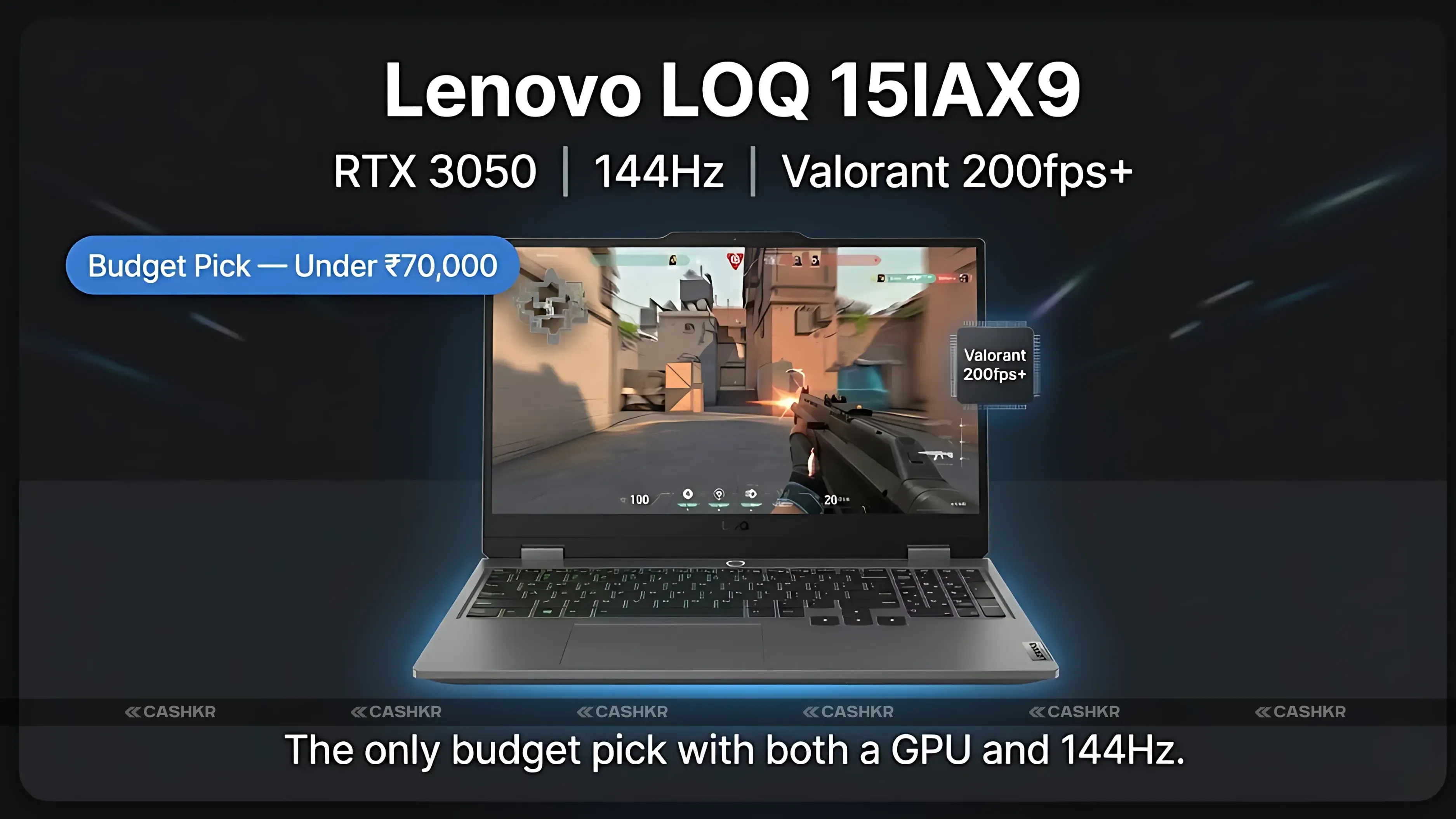
Budget Pick | Under Rs. 70,000 Lenovo LOQ 15IAX9
If you’re buying your first gaming laptop or need to stick to a Rs. 70,000 budget, the Lenovo LOQ 15IAX9 is the clear winner right now. The RTX 3050 isn’t the most powerful GPU in 2026, but what matters is real game performance. Valorant runs at 200 fps on max settings, BGMI stays above 60fps on ultra, and CS2 holds over 100fps on high. For the games most Indian gamers play, this GPU is enough. Expect 50 to 70 frames per second on medium settings for large AAA open-world games. High settings can drop below 60fps in demanding scenes. If you want to play AAA games on high, you’ll need a pricier laptop. But for esports, nothing else at this price comes close.
The 144Hz display sets the LOQ apart from other budget laptops. Competing models with 60Hz screens just can’t match the smoothness. This feature alone makes the LOQ the best budget choice.
You’ll get 3 to 4 hours of battery life when unplugged. The laptop gets warm during long sessions, but the cooling system keeps it from slowing down. The build is sturdy, with no flex and good port placement.
GPU
NVIDIA RTX 3050 4GB
Display
15.6-inch FHD, 144Hz IPS
RAM
8GB DDR5 (upgradeable)
Storage
512GB NVMe SSD
FPS Results
Valorant 200fps+, BGMI ultra 60fps+, CS2 high 100fps+
Battery
3 to 4 hours unplugged
Best For
Esports, first gaming laptop, students under Rs. 70K
Alternatives
Colorful P15, Acer Nitro V
Why it’s the best budget pick: It’s the only laptop under Rs. 70,000 with both a dedicated GPU and a 144Hz screen. Other options make you sacrifice one of these features.
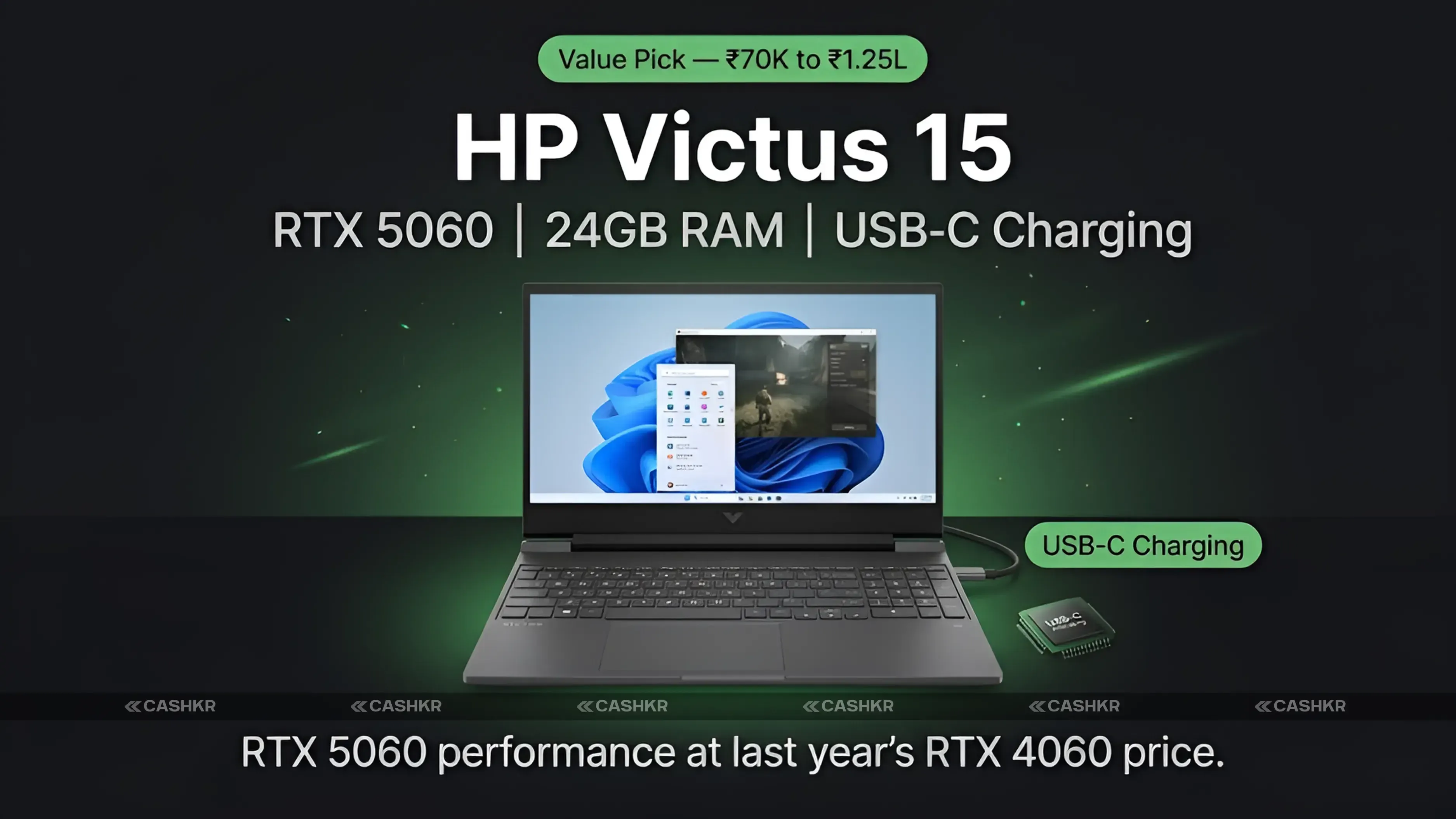
Value Pick | Rs. 70,000 to Rs. 1.25 Lakh HP Victus 15-fa2009xx
The HP Victus 15 with an RTX 5060 offers the best value for Indian gamers in 2026. The RTX 5060 is a big step up from last year’s options in this price range. In our tests, Elden Ring averaged 75 fps on ultra, Cyberpunk 2077 hit 68 fps on high, and Valorant and CS2 easily topped 200 fps. This is mid-range performance at a price you wouldn’t expect. Choosing 24GB of RAM is smarter for the long run than 16GB. While 16GB is enough for gaming now, running streaming apps, Discord, and lots of browser tabs can push it to its limits. With 24GB, you can do all that and still game smoothly. Students who use their laptop for both work and play will notice the difference. USB-C charging might seem like a small feature, but it’s useful every day. You don’t have to carry a bulky charger, and any USB-C-PD charger works if you forget yours. The only downside is the hinge, which wobbles more than expected at this price, especially on uneven surfaces. That’s the main build quality issue in an otherwise solid laptop.
GPU
NVIDIA RTX 5060 8GB
Display
15.6-inch FHD, 144Hz IPS
RAM
24GB DDR5
Storage
Dual SSD (1TB total)
FPS Results
Elden Ring ultra 75fps, Cyberpunk high 68fps
Charging
USB-C PD fast charging
Best For
All-rounder gaming and multitasking
Alternatives
Gigabyte G6X, Lenovo LOQ 15IRX9
Why it’s the best value pick: You get RTX 5060 performance for a price that used to only get you an RTX 4060. The 24GB RAM and USB-C charging make it stand out, even if some rivals have sturdier hinges.
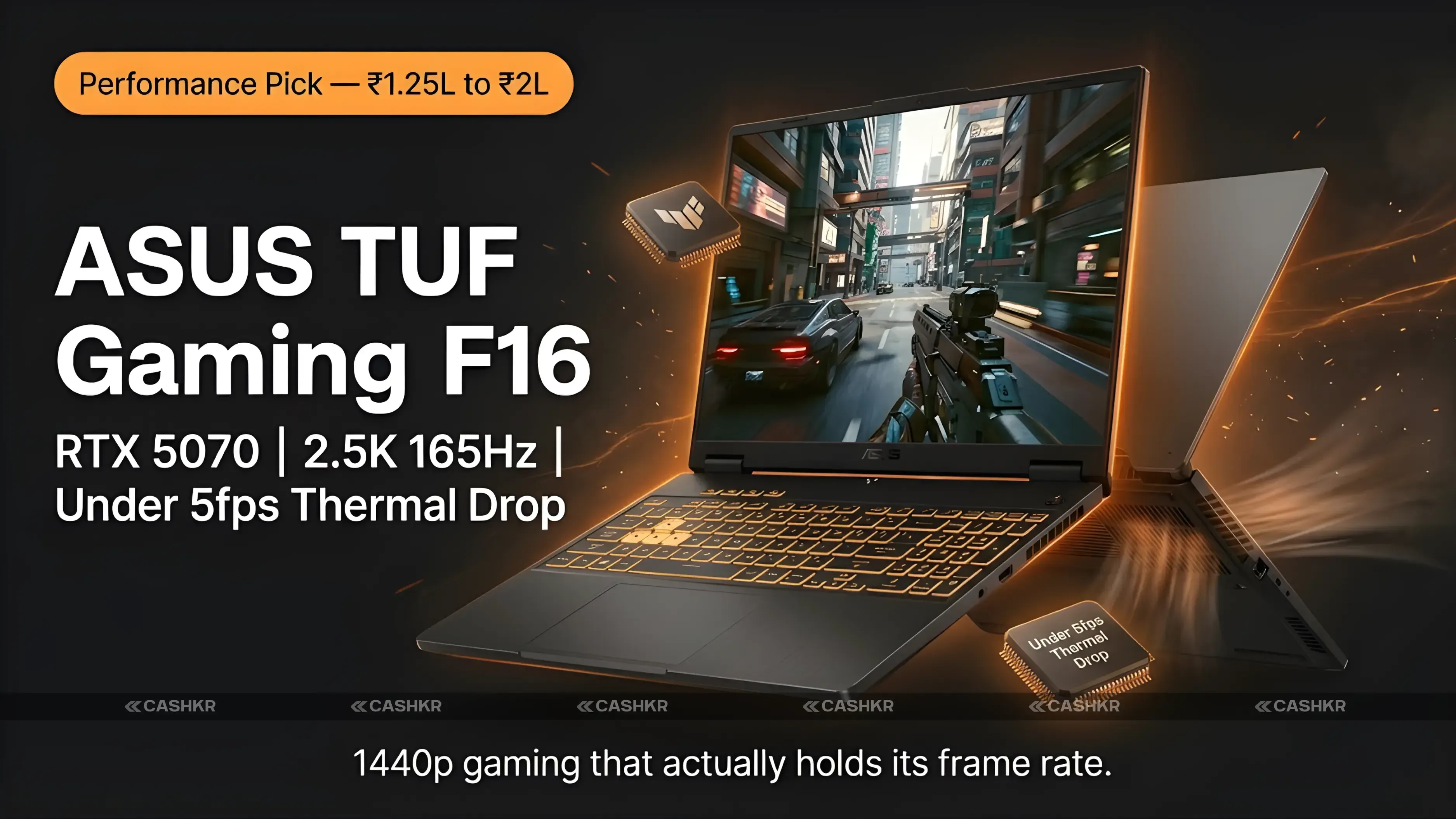
Performance Pick | Rs. 1.25 Lakh to Rs. 2 Lakh ASUS TUF Gaming F16
At this price point, it’s not about whether you can play games but how well you can play them. The RTX 5070 opens up 1440p gaming. Cyberpunk 2077 at 1440p Ultra averaged 58 fps in testing. Elden Ring at 1440p Ultra held 72 fps. Hogwarts Legacy at 1440p averaged 80 fps. These are frame rates that justify the 2.5K display rather than wasting it. The 16-inch 2.5K display (2560 by 1600) is what really sets this laptop apart from cheaper models. The higher pixel density makes a clear difference; game textures look more detailed and text is sharper. A 165Hz refresh rate at 2.5K is rare, no matter the price. The cooling system is a standout feature. In our 30-minute test, frame rates dropped by less than 5fps from the start. Most laptops in this range drop by 10 to 15fps. This sustained performance is what puts the ASUS TUF F16 ahead of the competition. The speakers are the weak spot; they’re just average for this price. Using headphones is always better, and with this laptop, it’s almost a must for the best experience.
GPU
NVIDIA RTX 5070 8GB
Display
16-inch 2.5K (2560x1600), 165Hz IPS
RAM
16GB or 32GB DDR5
Storage
1TB NVMe SSD
FPS Results
Cyberpunk 1440p ultra 58fps, Elden Ring 1440p 72fps
Thermal Hold
Under 5fps drop after 30-minute sustained gaming
Best For
Hardcore gaming, content creation, 1440p
Alternatives
ASUS TUF Gaming A16, Gigabyte AORUS 16X
Why it’s the top performance pick: The RTX 5070 fully powers the 2.5K display, and the cooling system keeps performance steady during long sessions. Both features are equally important.
Bonus for content creators: The RTX 5070 reduces 4K export times in DaVinci Resolve and Premiere Pro by 40-60% compared to the RTX 5060. If you edit videos as well as game, you’ll really notice the difference.
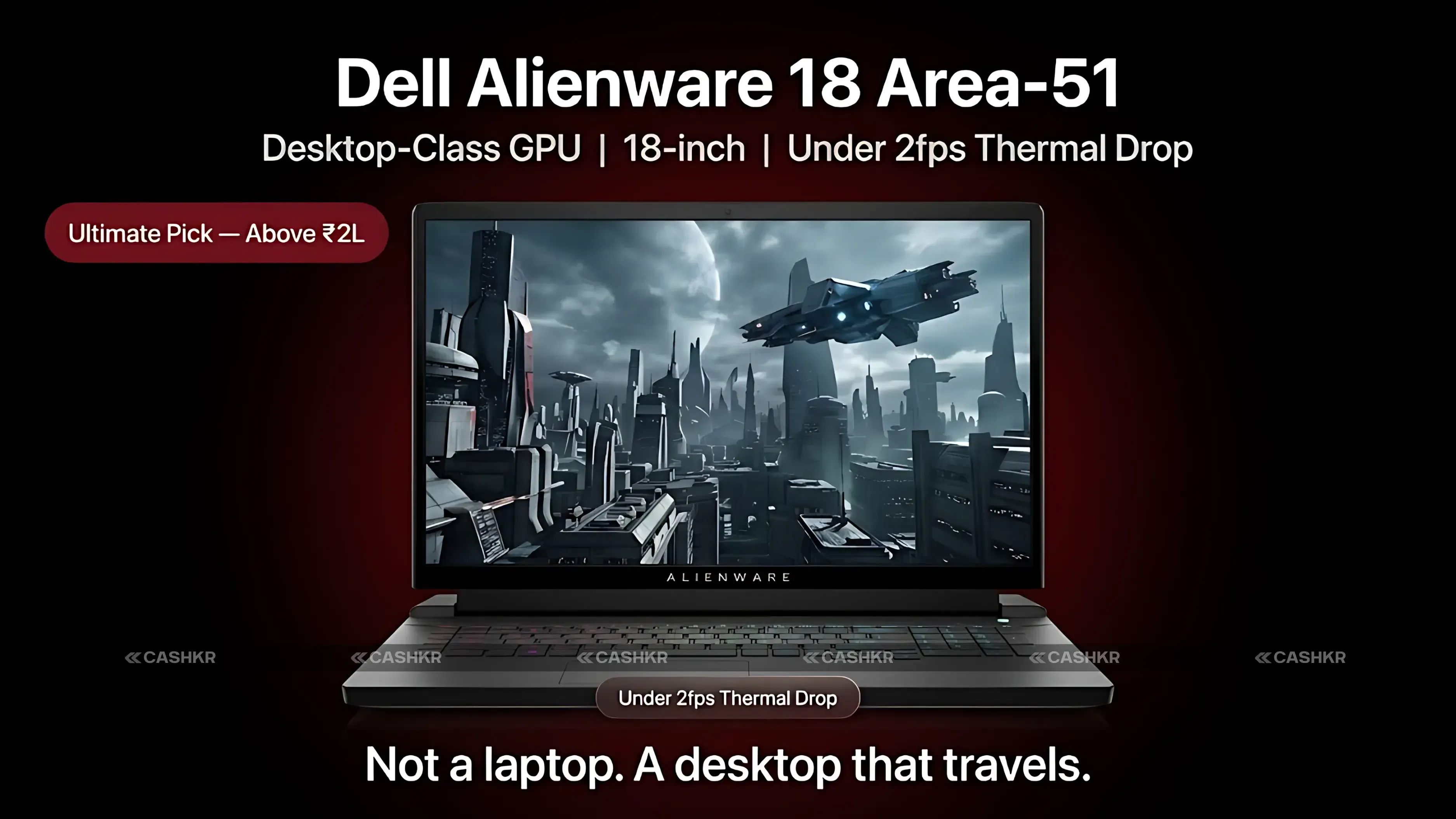
For most readers, the Alienware 18 Area-51 isn’t the right choice. That’s not a criticism—it’s just the truth about this laptop. The Area-51 is meant to replace a desktop, not to be a portable laptop. It has desktop-level hardware in a body that just happens to fold. If you want to move a gaming desktop between places without actually owning one, this is your answer. The Area-51’s biggest strength is its thermal performance. After 30 minutes of heavy use, frame rates dropped by only 2 fps from the start. For a laptop with this much power, that kind of stability comes from serious engineering—something thinner laptops just can’t match. The 18-inch display feels more like a monitor than a regular laptop screen. Slim side bezels and the big size make games feel truly immersive—something smaller laptops can’t offer. The display isn’t OLED or MiniLED, so some premium monitors and OLED laptops can match or beat its visuals for less money. It’s also heavy—most people find carrying it every day impractical after a month. And the price makes the ASUS TUF Gaming F16 seem affordable.
GPU
Desktop-class NVIDIA GPU
Display
18-inch, high refresh rate large format
Cooling
Multi-zone advanced thermal management
Thermal Hold
Under 2fps drop after 30-minute sustained load
Build
Premium aluminium and magnesium chassis
Best For
Pro gamers, streamers, desktop replacement
Alternatives
MSI Titan 18 HX AI, Razer Blade 18
If you mostly play at 1080p or need to carry your laptop every day, the ASUS TUF Gaming F16 gives you 90 percent of the Area-51’s performance for less than half the price—and it’s much easier to carry.
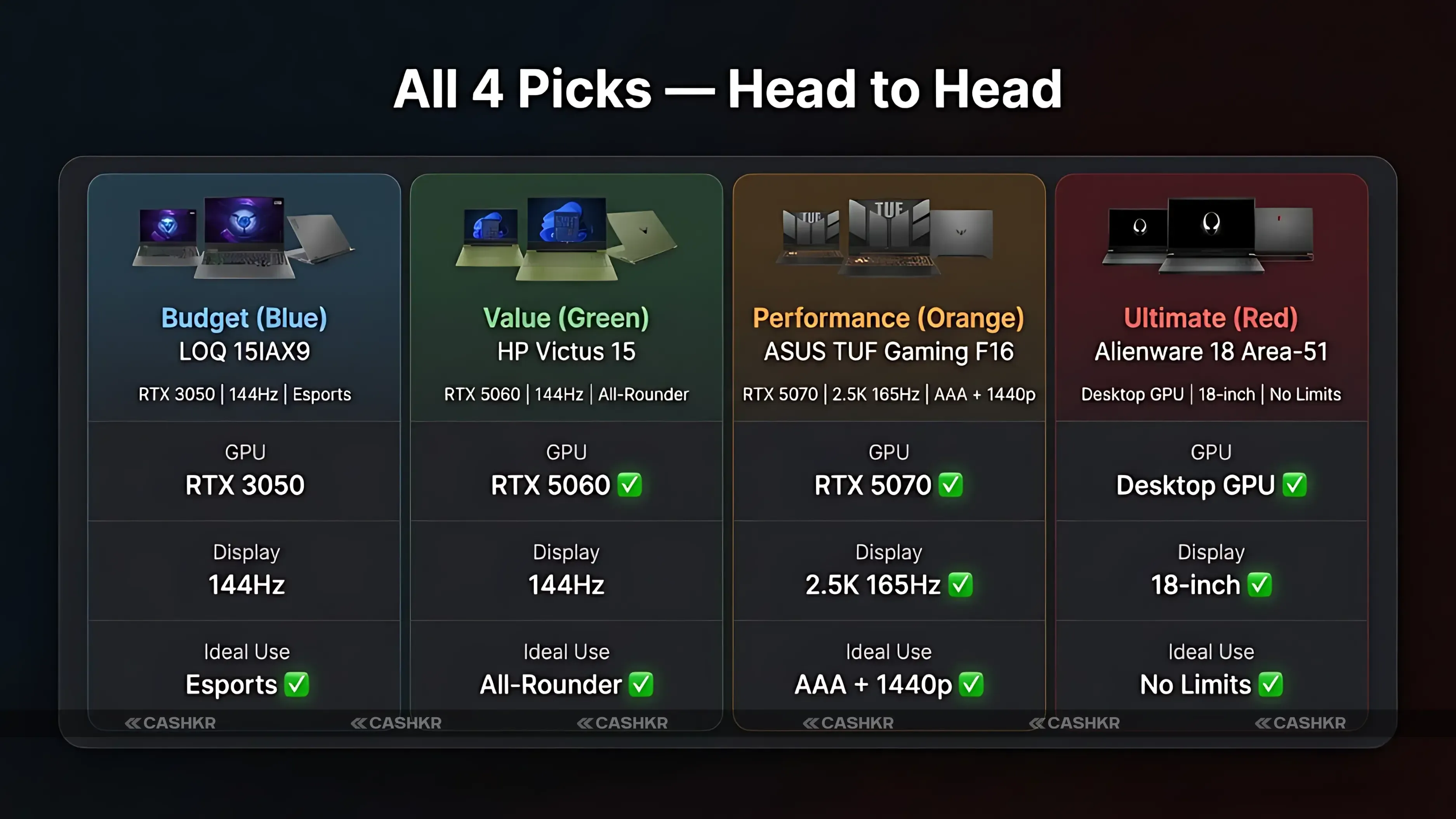
All Four Laptops Head to Head
Every key specification across all four picks in one table:
GPU
RTX 3050
RTX 5060
RTX 5070
Desktop GPU
Display
15.6-in 144Hz
15.6-in 144Hz
16-in 2.5K 165Hz
18-in large
RAM
Up to 16GB
24GB DDR5
Up to 32GB
Up to 64GB
Cooling
Basic fan
Efficient
Excellent
Desktop-class
Portable
Good
Good
Moderate
Heavy
Ideal Use
Esports
All-rounder
AAA + 1440p
No limits
Price Tier
Under Rs.70K
70K to 1.25L
1.25L to 2L
Above 2L
Five Questions to Ask Before You Buy
Answering these five questions will help you choose a laptop much faster than reading through spec sheets.
What games do you actually play? If your list is Valorant, BGMI, CS2, and Free Fire, the RTX 3050 covers all of them at competitive frame rates. If you play Cyberpunk 2077 and Elden Ring at high settings, you need at least an RTX 5060, ideally an RTX 5070, for 1440p.
Do you also create content? Video editing and 3D rendering benefit enormously from GPU power. The RTX 5070 cuts render times roughly in half compared to the RTX 5060. If you edit 4K footage alongside gaming, spending more on a GPU pays back in hours saved.
How many years will you use this? A three-year-old laptop needs more RAM and storage than a one-year-old one. 8GB of RAM is already tight in 2026. Buy 16GB minimum. If keeping the laptop for four to five years, 24GB ages meaningfully better. Games get larger every year.
Do you travel with it? The Alienware 18 Area-51 belongs on a desk. The ASUS TUF F16 is suitable for occasional travel. The HP Victus 15 and Lenovo LOQ 15 are practical daily carry machines.
How much heat tolerance does your environment have? Gaming in air-conditioned rooms with a cooling pad means all four laptops work well. In warm rooms on soft surfaces, the Alienware and ASUS TUF handle heat best. The Lenovo LOQ shows the most heat during very extended sessions and benefits most from a cooling pad.
Final Verdict
There are four price ranges and four clear winners. Each laptop was picked because it does its job better than anything else at its price—not as a compromise. The Lenovo LOQ 15IAX9 is for those who want a true gaming laptop on a tight budget. The HP Victus 15 is for buyers looking for the best gaming performance per rupee in the mid-range. The ASUS TUF Gaming F16 is for serious gamers who want 1440p gaming and strong thermal management for long sessions. The Alienware 18 Area-51 is for buyers who want no compromises and know exactly what they’re getting. Choose your laptop based on the games you play, the resolution you want, and how long you plan to use it. Every laptop here is great at what it’s meant for. The only wrong choice is picking one that doesn’t fit your real needs.
In short: Pick the LOQ for your first gaming laptop, the Victus 15 for the best value in 2026, the TUF F16 for serious 1440p gaming, and the Alienware 18 only if you truly need no compromises.
FAQs
1. Which gaming laptop in India offers the best performance under Rs. 70,000?
The Lenovo LOQ 15IAX9 is the best gaming laptop under Rs. 70,000 in India right now. Its RTX 3050 and 144Hz display combination is unmatched at this price. Alternatives worth comparing are the Colorful P15 and Acer Nitro V.
2. How much RAM do I need in a gaming laptop in 2026?
16GB DDR5 is the minimum for smooth gaming. If you also stream, use creative software, or keep many apps open while gaming, 24GB is a meaningful step up. 8GB is limiting and will show strain within a year.
3. Is the RTX 5060 good enough for gaming in 2026?
Yes. The RTX 5060 handles all popular titles at high 1080p settings comfortably. It also manages light 1440p gaming at optimised settings. For the Rs. 70,000 to Rs. 1.25 lakh range, it is the best GPU option available in India.
4. Should I buy the ASUS TUF Gaming F16 or wait for something better?
The ASUS TUF Gaming F16 is the best laptop in the Rs. 1.25 lakh to Rs. 2 lakh segment right now. Its RTX 5070, 2.5K 165Hz display, and thermal management make it a strong purchase rather than something to wait on.
5. How is the HP Victus 15 during long gaming sessions?
The HP Victus 15 manages thermals efficiently for its price. Frame rates dropped around 5 to 8fps after 30 minutes of sustained gaming in testing. This is better than most competitors at the same price but not as stable as the ASUS TUF F16 in the tier above.
6. Is the Alienware 18 Area-51 worth buying in India in 2026?
Only for a specific type of buyer: professional gamers, streamers, and video creators who need maximum sustained performance in a portable form. For everyone else, the ASUS TUF F16 delivers 90 percent of the experience at less than half the cost.
7. What is the difference between the Lenovo LOQ 15IAX9 and LOQ 15IRX9?
The LOQ 15IAX9 uses an Intel platform, while the LOQ 15IRX9 uses AMD Ryzen with a newer GPU. The 15IRX9 is typically priced higher but offers better GPU performance. If your budget is between Rs. 70,000 and Rs. 1.25 lakh, compare both before deciding.
8. Can I upgrade the RAM in the HP Victus 15 later?
The HP Victus 15 typically has accessible SO-DIMM RAM slots. The 24GB configuration already provides ample capacity, but if you buy a lower-RAM variant, upgrading is generally possible. Confirm the specific configuration before purchase.
9. Which laptop here is best for video editing alongside gaming?
The ASUS TUF Gaming F16 with RTX 5070 is the best dual-purpose option. The GPU significantly accelerates DaVinci Resolve and Premiere Pro, and the 2.5K display is better for colour-accurate creative work than standard 1080p gaming panels.
10. Do I need a cooling pad for any of these laptops?
A cooling pad helps all gaming laptops, but matters most for the Lenovo LOQ 15IAX9, which has the least advanced thermal management. The ASUS TUF F16 and Alienware 18 handle heat well without one, though a pad still extends sustained performance during very long sessions.
If you want to sell your old devices, then click here.